CasaVivid fixes the things that make a listing photo look worse than the home: clutter, a grey sky, a brown lawn, a car in the driveway, a family photo on the wall. Each edit is a click or a sentence and takes under 30 seconds.
Select and remove anything
CasaVivid detects the objects in each photo. Click the ones you want gone, or draw a box or outline around anything it didn’t list, and they are erased with the room filled in naturally behind them: bins, cords, cars, toys, a tenant’s leftovers, your own reflection in a mirror.
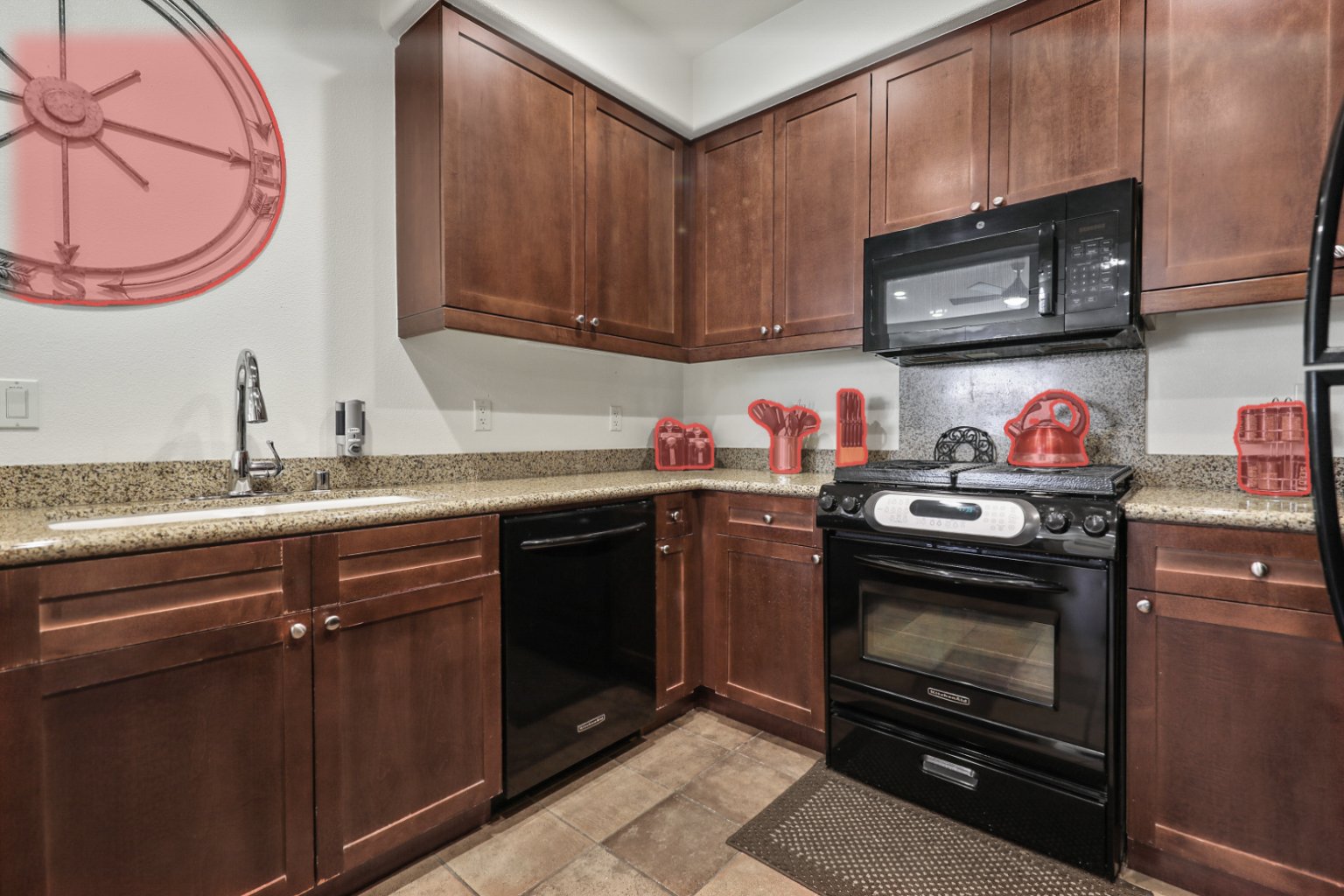
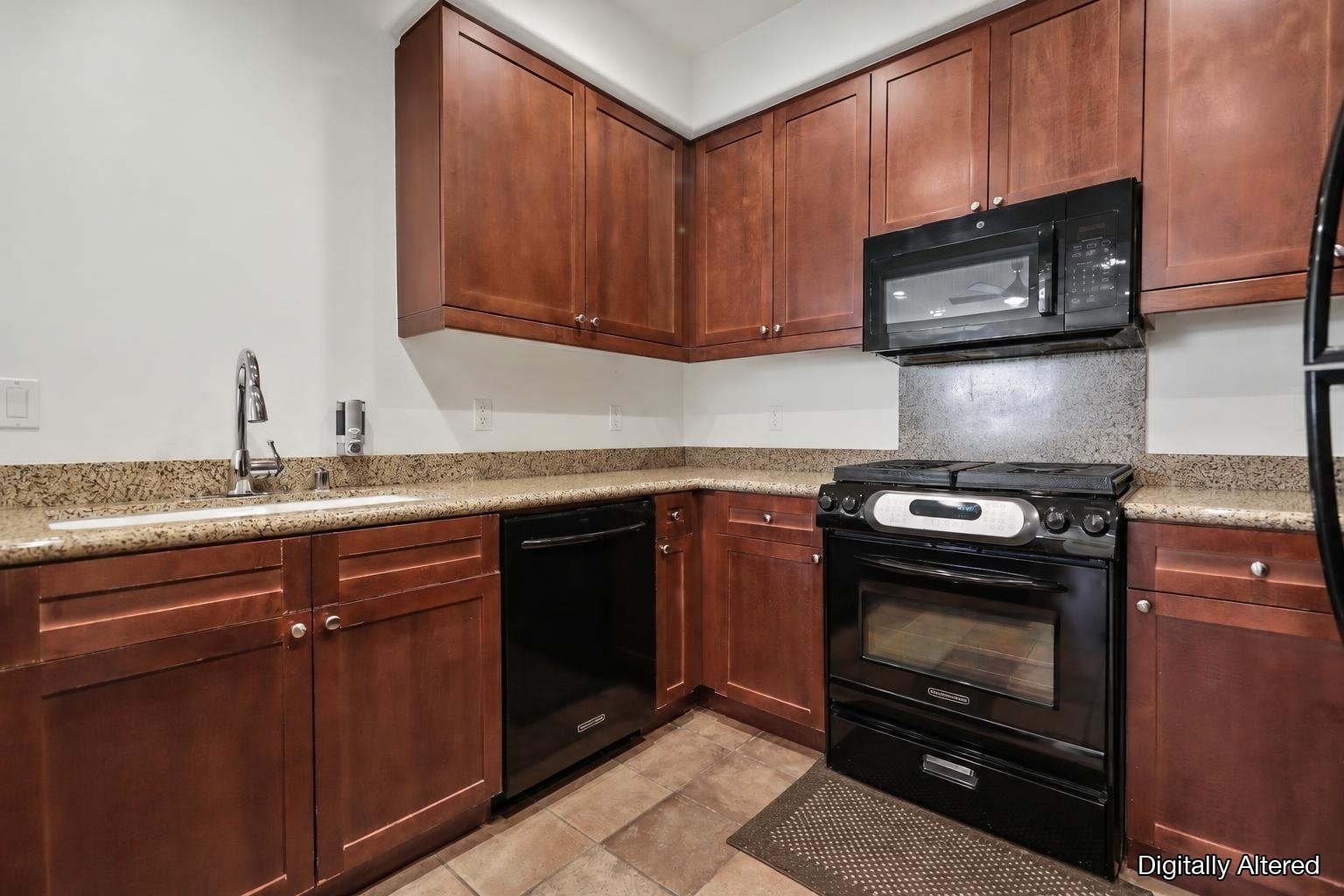
Select & Remove: click the clutter and it’s gone.
Sky, twilight, time of day and season
Swap a dull sky for blue, sunset or twilight, change the time of day from midday to dusk, or change the season.
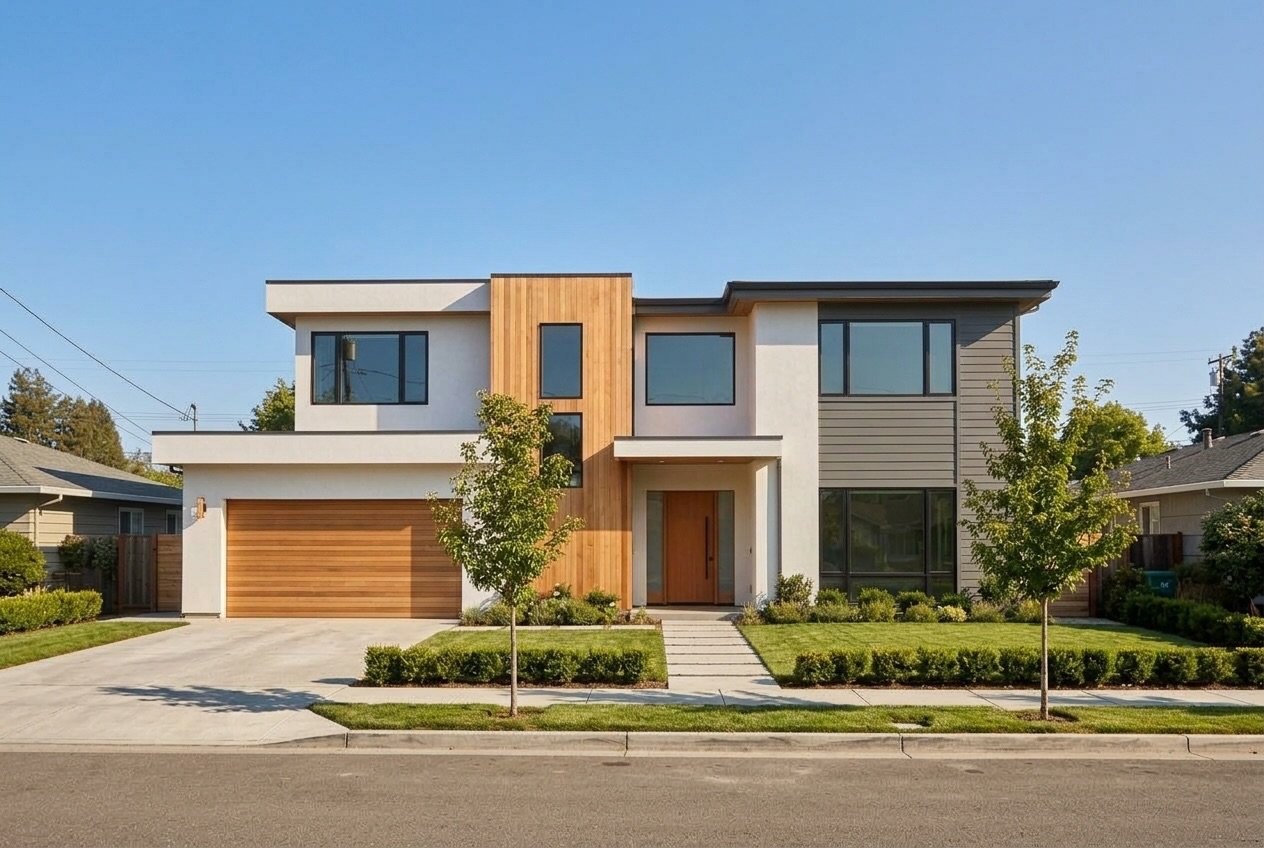
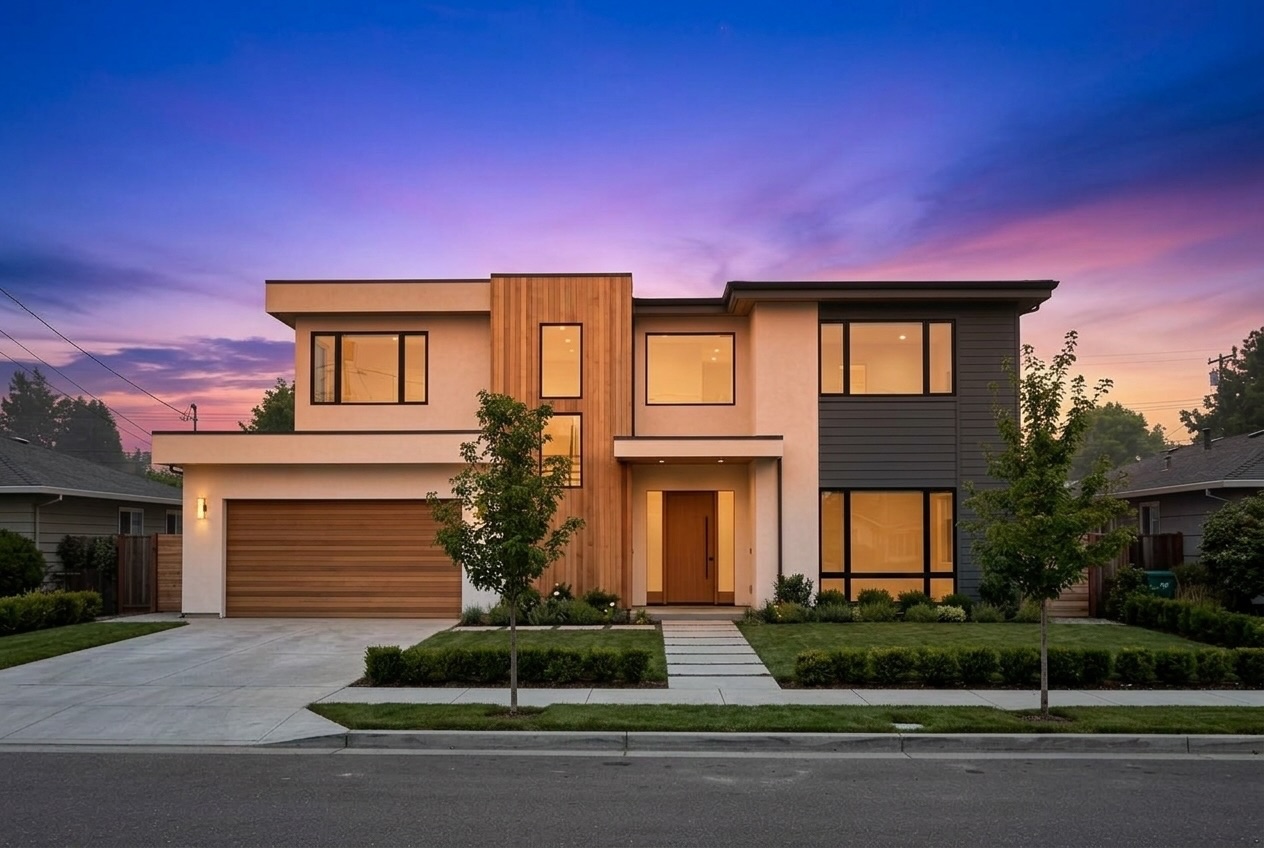
Midday to twilight in one pass.
Lawn, pool, fireplace and TV
Green up a tired lawn, fill an empty pool or clear its water, light the fireplace, and put a picture on a black TV screen or black it out.
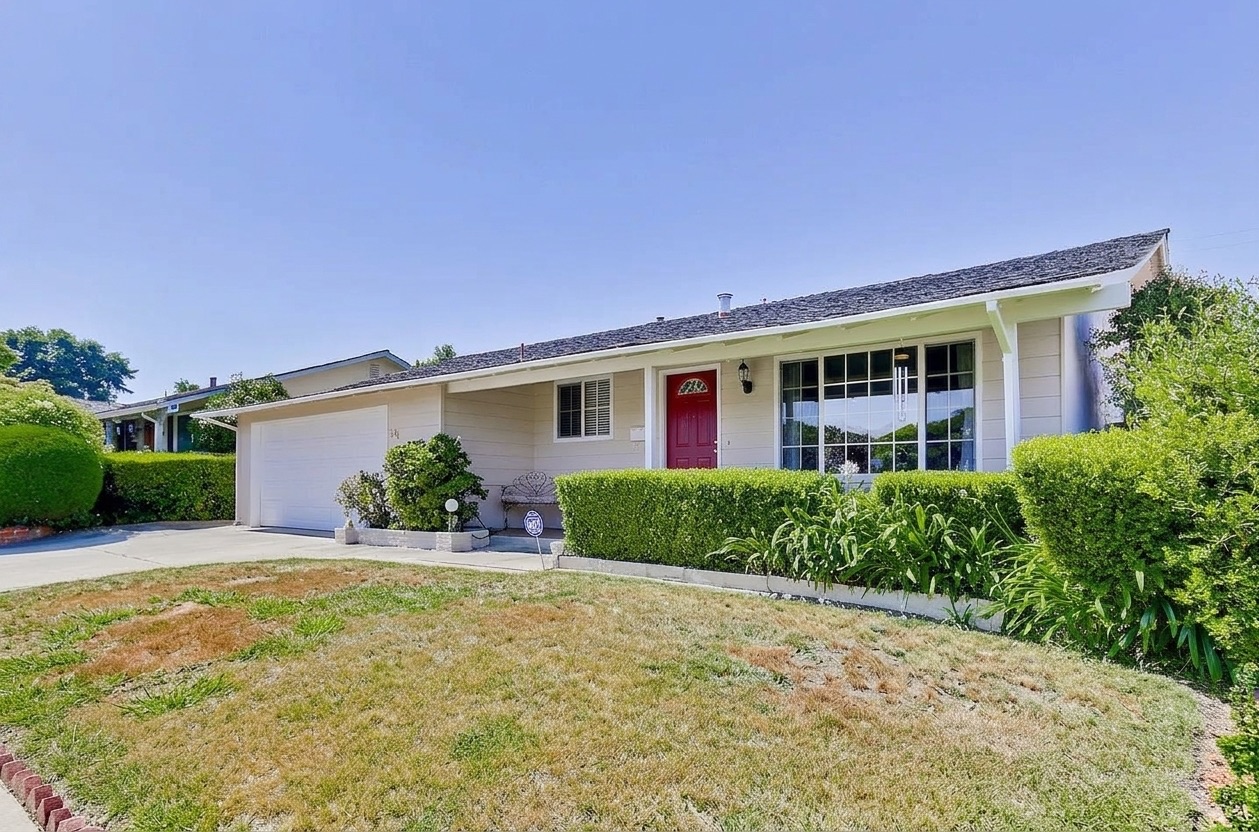
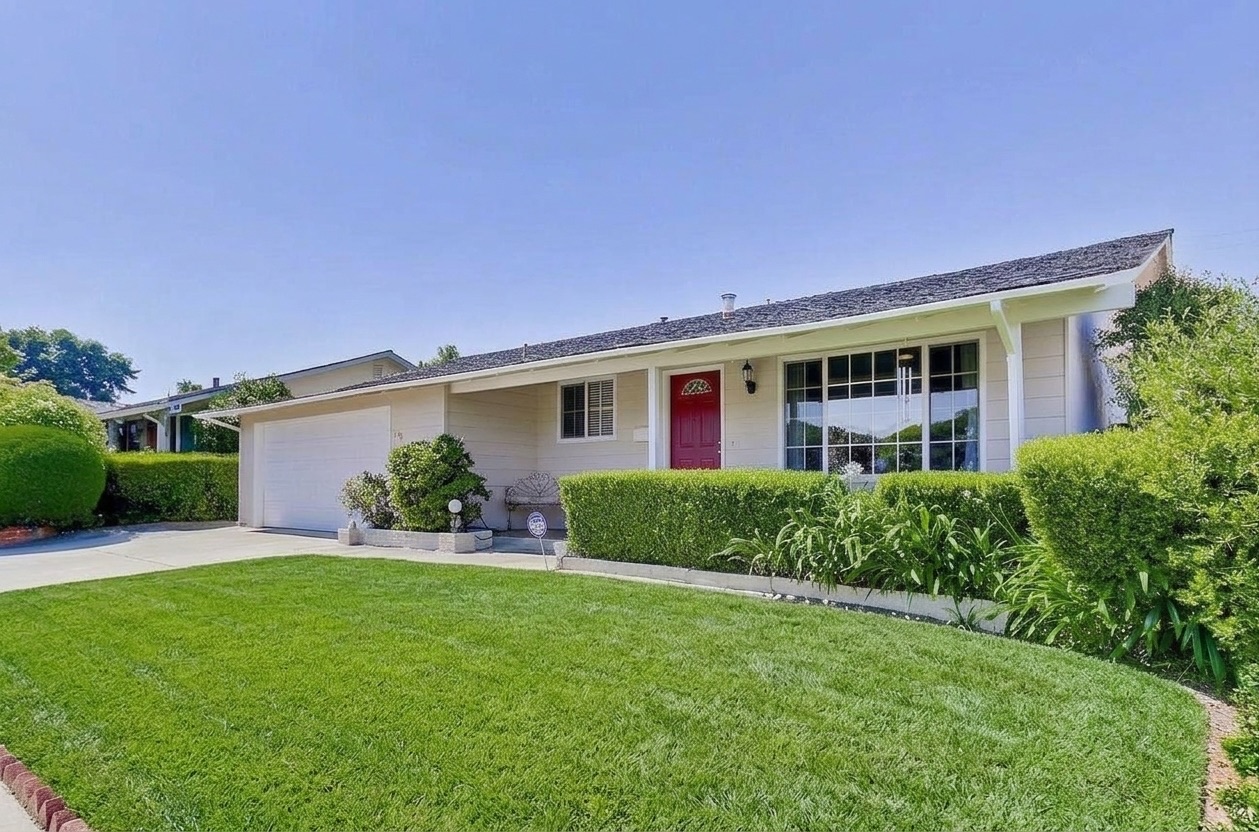
Green Up Lawn.
Remove people and the realtor sign
Take passers-by out of a street shot, and clear the yard sign from the front of the house.
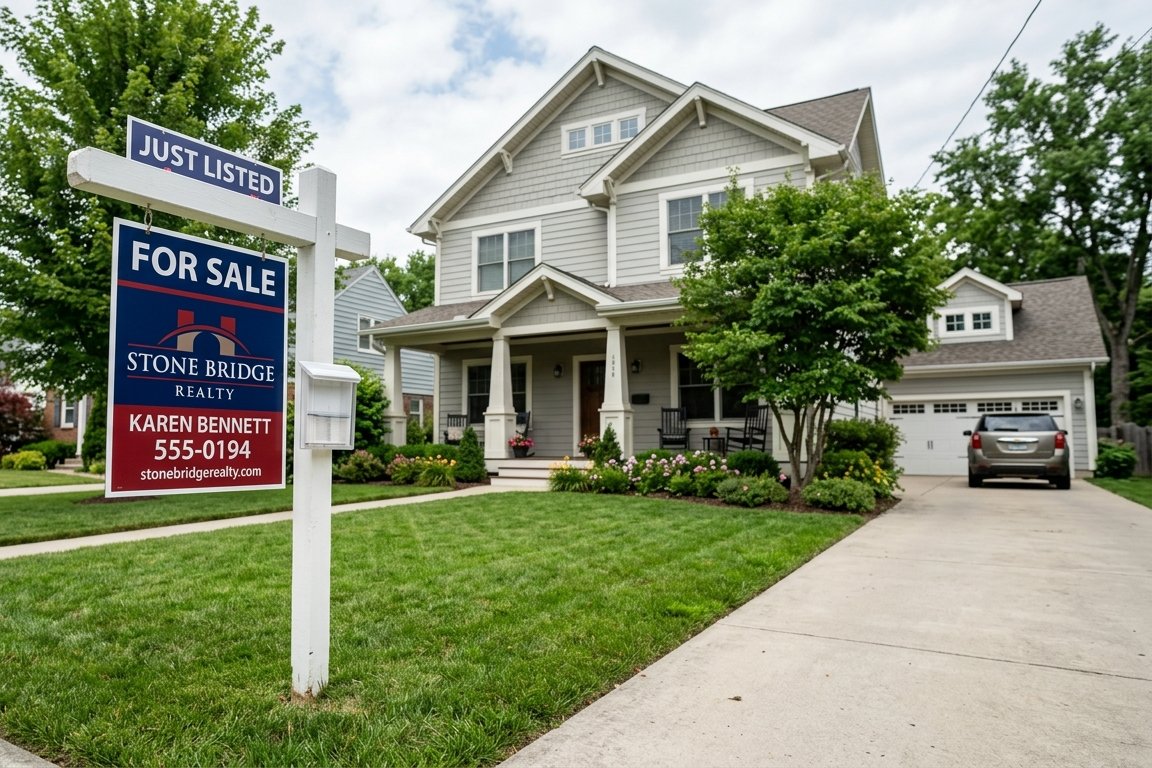
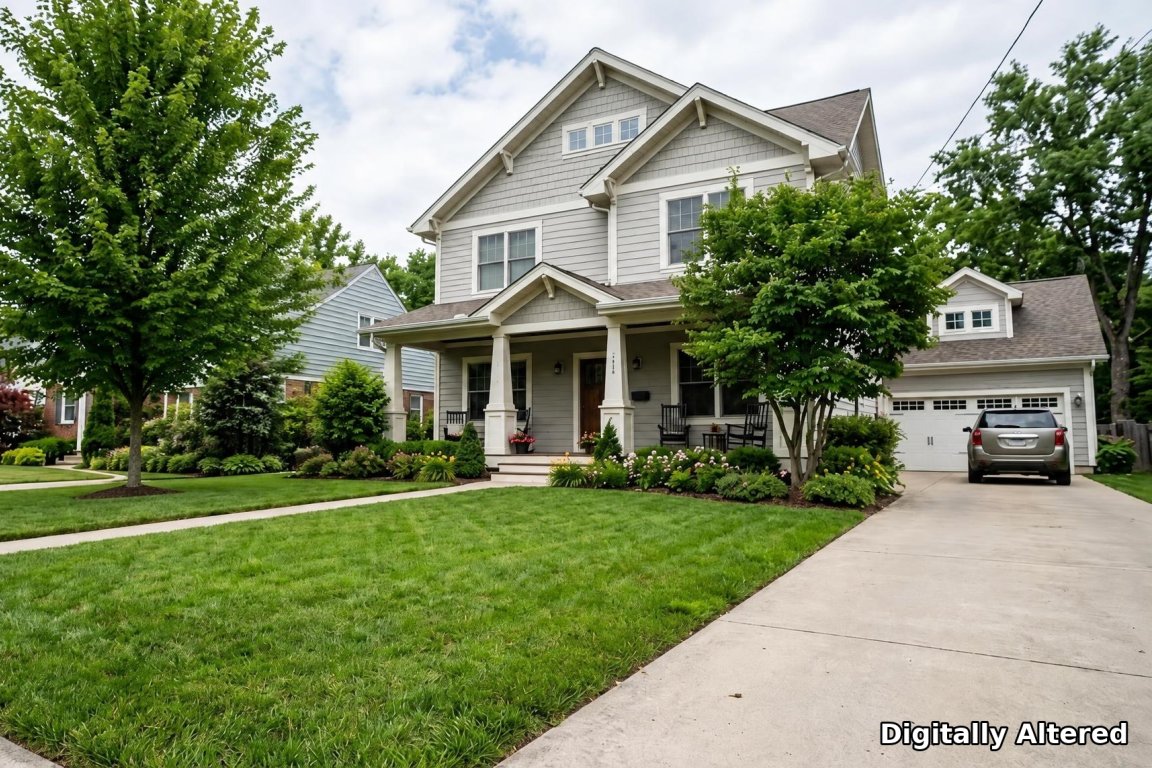
Remove Realtor Sign.
Privacy blur
License plates and framed family photos are found and blurred automatically, while art on the walls stays sharp. A blur brush covers anything else: house numbers, contact details on a sign, a name on a mailbox.

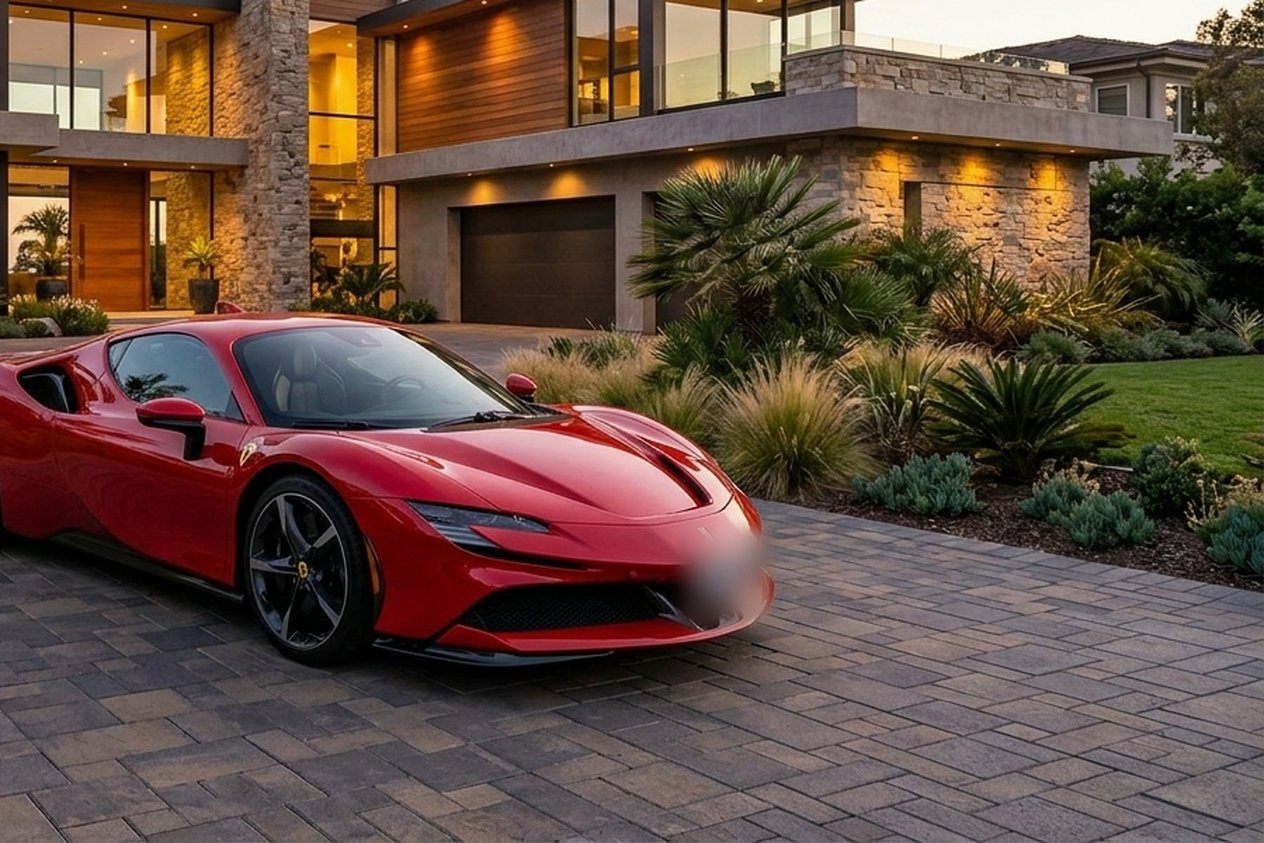
License plates found and blurred automatically.
Any other edit, in plain English
Describe what you want, such as “make the walls light grey” or “remove the ceiling fan”, and CasaVivid makes the edit. AI-edited photos are labeled “Digitally Altered” for MLS disclosure.
Bracketed shots and finishing touches
If you shoot bracketed exposures, CasaVivid merges each set into one bright, balanced photo. Manual sliders (exposure, contrast, color, crop, perspective), 4K upscaling, share links and 360° tour videos are in the same project, and virtual staging is one click away.
FAQ
- What can CasaVivid edit in a listing photo?
- Objects (click to remove), skies and twilight, time of day, season, lawns, pools, fireplaces, TV screens, people, realtor signs, license plates and family photos (privacy blur), plus any edit you describe in plain English.
- How long does an edit take?
- Under 30 seconds per photo.
- Do I need editing skills?
- No. Each edit is a click, a box drawn around something, or a sentence.
- Are AI edits allowed on the MLS?
- Edits that don’t misrepresent the property, such as removing clutter or swapping the sky, are generally allowed with disclosure. Don’t remove permanent features or hide defects. CasaVivid labels AI-edited photos “Digitally Altered” and staged photos “Virtually Staged”; check your MLS’s rules.
- How much does it cost?
- CasaVivid is free during its open beta. Paid plans are coming.